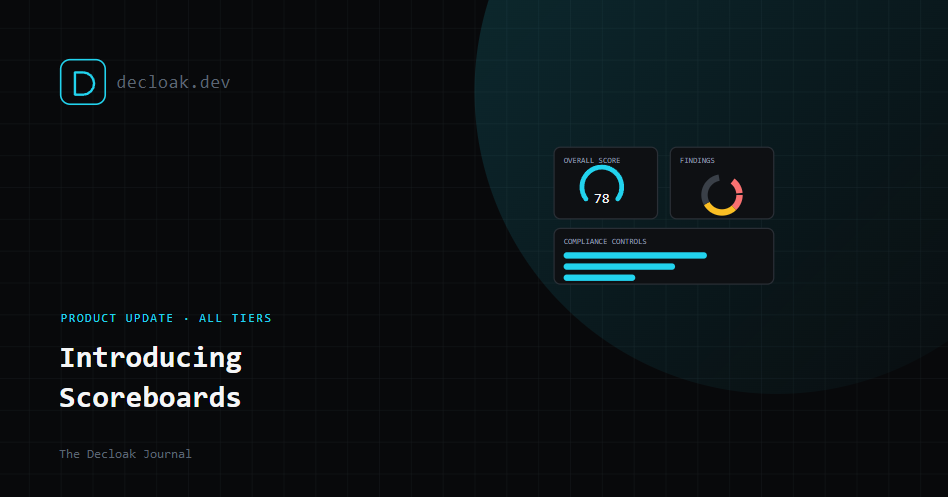
Introducing Scoreboards: A Real Dashboard for Every Domain You're Watching
The first thing you saw when you opened your account used to be a list. Domains, scans, a grade next to each. Useful, but it made you go hunting for the actual picture, is anything trending in the wrong direction, what's actually assigned to me, which domains have real coverage versus a single free scan from months ago. Scoreboards replace that with an answer instead of a list.
The main Scoreboard: everything you're watching, in one view
This is the first thing you see now when you sign in, live for every account, free included.
- Domains monitored, with total scans run across all of them.
- Overall score, a single grade summarizing posture across every domain, so you know at a glance whether the aggregate picture is fine or on fire.
- Active Testing score, tracked separately from the general security score, for accounts with Active Testing enabled.
- Score movement, how many domains improved versus regressed since their last scan, the first thing worth checking after a busy sprint.
- Findings by severity, a breakdown across every domain, critical and high called out explicitly since those are the ones that actually need attention this week.
- Active Testing domains, how many of your domains have Active Testing enabled versus how many don't, useful for spotting coverage gaps at a glance.
- DNS/TLS posture, a rollup of DNS and certificate checks across every domain, with a clean/issues split.
- Compliance controls, evidenced controls across SOC 2, ISO 27001, NIS2, and DORA, shown as a bar per framework so you can see which one has the most coverage without opening the compliance mapping tab directly.
- Team activity, assigned to me, and latest activity, so a multi-person account can see who's doing what without digging through an activity log.
- Scan coverage, how many of your domains have had a full agent scan versus a free single-page scan only, a quick way to spot domains that have never actually had the deeper investigation run against them.
The per-domain Scoreboard: the same idea, one domain deep
Click into any domain and there's a dedicated Scoreboard tab, sitting alongside Scans, Priority Plan, All Findings, Compliance Mapping, Evidence Packages, and Activity Log, giving you the equivalent view scoped to just that domain:
- Security score and Active Testing score, side by side, each with its own grade.
- Score trend, whether the domain's posture is improving or regressing since its last scan, shown as a simple trend line rather than a number you have to compare manually against last time.
- Findings by severity, specific to this domain, with the same critical-and-high-first framing as the main view.
- Findings assigned, how many of this domain's findings are actually assigned to someone versus sitting unowned.
- Active Testing, how many exploit-style checks ran and how many came back flagged versus clean.
- DNS/TLS posture, this domain's specific DNS and certificate check results.
- Compliance controls, evidenced controls for this domain specifically, broken down by framework.
Why we built it this way
A list of scans tells you what happened. A scoreboard tells you what it means. The main view is built for the question "how are we doing overall, and where do I need to look first," and the per-domain view is built for "how is this specific thing doing, and what's actually moved since last time." Neither replaces the deeper tabs, Priority Plan, All Findings, Compliance Mapping, they're still there for when you need the detail. The Scoreboard is what you check first to decide whether you need to go deeper at all.
Availability
Both views are live now for every account. Free accounts see the full Scoreboard shape, metrics tied to paid-tier features (Active Testing, compliance control mapping) show what's available at your current tier so you can see exactly what upgrading would add, rather than those sections simply not existing.
Scoreboards are live for every Decloak account. Sign in to see yours →