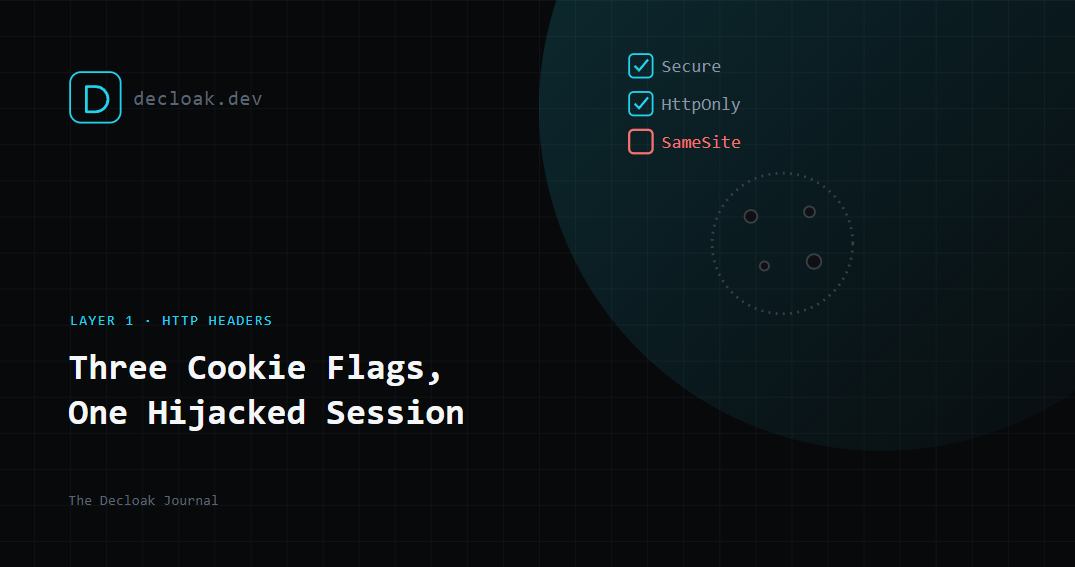
The Three Cookie Flags Standing Between a Normal Session and a Hijacked One
A session cookie is a small piece of trust. Once you log in, it's the thing your browser hands back to the server on every request to prove you're still you. Three flags control who else can get their hands on it, and a huge number of sites still ship with one or more missing.
What a properly configured cookie looks like
Set-Cookie: sessionid=ABC123; Secure; HttpOnly; SameSite=Lax; Path=/
Three attributes, three separate protections, each closing a different door.
Secure: stops it leaking over plain HTTP
The Secure flag tells the browser to only ever send this cookie over an encrypted HTTPS connection. Without it, if any part of your site, even a single forgotten HTTP endpoint or an old redirect, ever gets requested over plain HTTP, the cookie goes with it, in plaintext, readable by anyone positioned to intercept the traffic. Public WiFi, a compromised router, a malicious network node between the browser and your server, all of these can read an unprotected cookie in transit.
The nuance people miss: even if your entire site is HTTPS today, a cookie without the Secure flag is still sent if a browser is ever tricked into making a single HTTP request to your domain, which is trivially easy for an attacker to force via a plain <img> tag pointed at http://yoursite.com.
HttpOnly: stops it being read by JavaScript
The HttpOnly flag blocks any client-side script, document.cookie and anything built on it, from reading the cookie at all. This is the flag that determines whether a cross-site scripting (XSS) vulnerability elsewhere on your site turns into a session theft.
Without HttpOnly, an attacker who finds any way to run JavaScript on your page (a comment field that isn't sanitised, a compromised third-party script, an unescaped user input rendered into HTML) can simply read document.cookie and send your session ID to a server they control. With HttpOnly set, that same script gets an empty string back. The XSS vulnerability might still exist, but it can no longer be used to steal the session directly.
SameSite: stops it being sent from somewhere it shouldn't be
SameSite controls whether the cookie gets sent along with requests that originate from a different site entirely, the classic cross-site request forgery (CSRF) pattern, where a malicious page silently triggers a request to your site using the visitor's own logged-in session.
SameSite=Strictnever sends the cookie on cross-site requests, the safest setting, though it can break legitimate flows like arriving at your site via a link from an email or another domain.SameSite=Lax(the sensible default for most sites) sends it on top-level navigation (clicking a link) but not on background requests like form submissions or image loads triggered from another site, a good balance between security and not breaking normal use.SameSite=Nonesends it everywhere, and requiresSecureto be set alongside it. This is occasionally necessary for legitimate cross-site use cases (an embedded widget, a payment iframe) but should never be the default.
Why this trio matters more than any single flag
Each flag defends against a different attack vector, interception, script access, and forged cross-site requests, and none of them substitute for the others. A cookie with Secure and SameSite but no HttpOnly is still one XSS bug away from full session theft. A cookie with HttpOnly but no Secure can still be intercepted on an unencrypted connection. They're not redundant, they're layered.
How to check your own site
Open DevTools → Application (Chrome) or Storage (Firefox) → Cookies, and look at the flags column next to your session cookie. Alternatively, check the raw Set-Cookie header in the Network tab on your login request. If any of Secure, HttpOnly, or SameSite is missing, that's a finding worth fixing today, not eventually.
How to fix it, by framework
- Express/Node:
res.cookie('sessionid', value, { secure: true, httpOnly: true, sameSite: 'lax' }) - Django:
SESSION_COOKIE_SECURE = True,SESSION_COOKIE_HTTPONLY = True,SESSION_COOKIE_SAMESITE = 'Lax'in settings - Rails: cookies are
httponlyand useSameSite=Laxby default in modern versions, confirmconfig.force_ssl = trueis set for theSecureflag - PHP:
session_set_cookie_params(['secure' => true, 'httponly' => true, 'samesite' => 'Lax'])beforesession_start()
Every one of these is a one-line change. The gap is almost never technical difficulty, it's that nobody checked whether the defaults were actually applied.
Decloak checks your session cookie configuration alongside HTTP security headers, exposed secrets, and six other attack surfaces in a free 15-second scan. Scan your site free →