White-Label Reporting Is Here: Put Your Own Brand on Every Scan Report
If you're an agency, a freelance consultant, or anyone running Decloak scans as part of client work, the report has always been the awkward part. The scan itself was fast and useful. Handing a client a PDF with somebody else's logo on it wasn't.
That's fixed now. White-label PDF reporting is live for Pro and above.
What it does
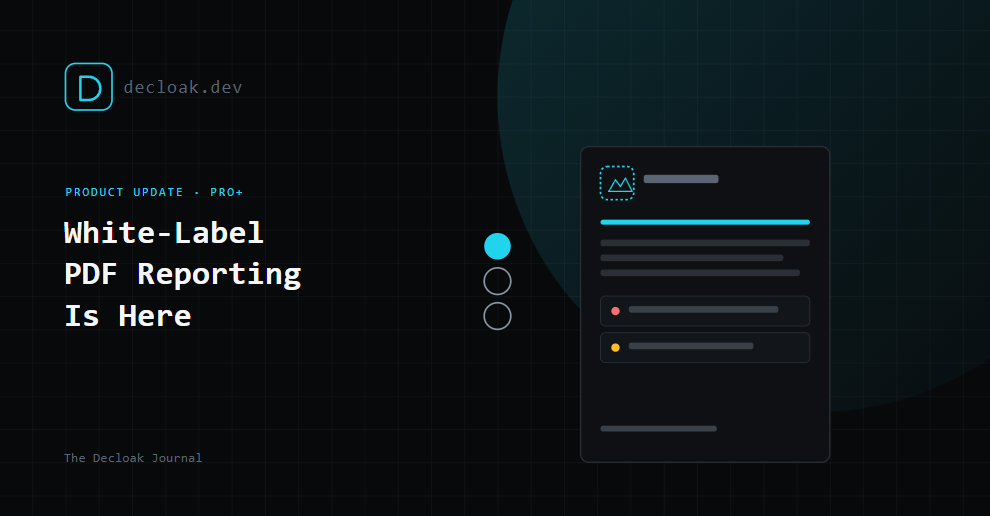
Every report Decloak generates, the full scan breakdown across all 8 layers, can now carry your brand instead of ours. Your logo where ours used to be. Your accent color running through the headers and severity indicators. Your footer text on every page. The client, or the prospect you're using the free scan to open a conversation with, sees a report from you.
Where to find it
There's a new White-Label Branding panel under /account/team. If you're on a plan below Pro, you'll see a locked preview of what it looks like, enough to know what you're missing without us hiding the feature entirely. Pro and above get the live editor.
What you can customize
- Logo upload. Drop in your own logo and it replaces the Decloak mark across the report header and footer.
- Display name. The name that appears alongside your logo, your agency name, your consultancy, whatever you'd put on an invoice.
- Accent color. Pick from a set of curated swatches or drop in an exact hex code if you're matching an existing brand palette. This color carries through headers, section dividers, and severity indicators throughout the report.
- Font. A curated dropdown of Google Fonts, so the report typography matches the rest of your brand rather than defaulting to ours.
- Footer text. Freeform text on every page, your contact details, a call-to-action, a disclaimer, whatever's useful for how you're using the report.
- Live preview. The panel includes a static header preview that updates as you adjust each setting, so you can see roughly how the finished report will look before you generate one for a real client.
Why we built this
A huge number of the agencies and consultants using Decloak aren't using it just for their own sites. They're running scans as a lead-generation tool, a Supabase RLS finding or a missing CSP header is a genuinely persuasive opener for a security or dev-services pitch, and they're running it as part of actual client engagements, audits, retainers, pre-launch checklists. In both cases, a report with our branding on it undercuts the thing they're actually selling: their own expertise and their own relationship with the client.
White-label reporting removes that friction entirely. The finding is still ours. The scan engine is still ours. But the document that lands in a client's inbox is unmistakably yours.
Who this is for
- Agencies running security or dev-quality audits as part of client onboarding or ongoing retainers
- Freelance developers and consultants using a free scan as a lead-gen hook, then following up with a branded report as the actual deliverable
- Internal teams who want scan reports to match internal documentation standards rather than showing up with a third-party tool's branding
Getting started
Head to /account/team if you're already on Pro, upload a logo, set your color and font, and your next scan report will carry your brand automatically, no per-report setup required once it's configured. If you're on a lower tier, the same panel shows you exactly what's available on Pro, upgrading unlocks the live editor immediately.
White-label PDF reporting is available on Decloak Pro and above. See plans and upgrade →