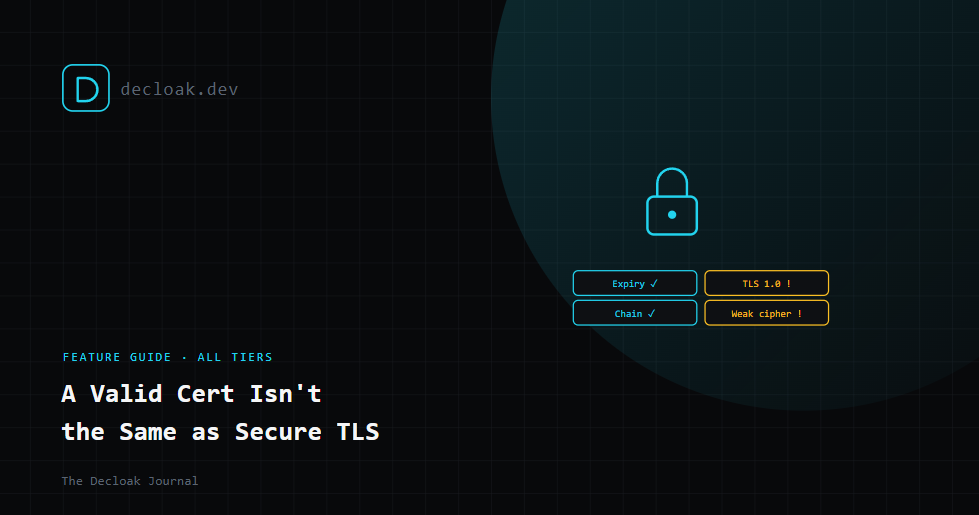
Your SSL Certificate Being Valid Isn't the Same Thing as Your TLS Being Secure
A browser shows a padlock and most people stop thinking about it there. The padlock means a certificate exists and hasn't obviously failed, but "hasn't obviously failed" and "is actually configured well" are two very different bars. Underneath that one green icon are several separate things that can each go wrong independently, and only some of them will ever show up as a warning a visitor actually sees.
Certificate expiry: the one everyone already knows about
This is the failure mode people are most aware of, because it's the loudest. A certificate has an expiry date, and once it passes, browsers show an unmissable warning. The reason it still catches organizations out constantly isn't ignorance, it's that certificate renewal is often automated until it isn't, a renewal script breaks silently, an automation credential expires, a certificate on a rarely-visited subdomain gets forgotten entirely. Checking expiry isn't just "is it expired today," it's "how much runway is left," since a certificate expiring in nine days is a very different urgency than one expiring in nine months.
Chain validation and issuer trust: the part that's invisible until it breaks
A certificate isn't trusted on its own, it's trusted because it was issued by a Certificate Authority that browsers and operating systems already trust, chained back through one or more intermediate certificates to a root CA baked into the trust store. If that chain is incomplete, a server fails to send an intermediate certificate along with its own, most modern browsers will silently fix it using cached intermediates and the visitor never notices, but plenty of other clients, older browsers, certain mobile apps, API clients, won't, and the connection just fails for them with no obvious explanation to whoever's debugging it.
Protocol version: still running TLS 1.0 or 1.1?
TLS has version history, and the old versions matter more than people assume. TLS 1.0 and 1.1 have known cryptographic weaknesses and have been formally deprecated by major browsers and by PCI DSS itself, sites still required to accept connections over them are accepting connections with weaker cryptographic guarantees than the protocol's later versions provide, often for the sake of supporting legacy clients that represent a shrinking fraction of real traffic. A server can hold a perfectly valid, unexpired certificate while still negotiating a genuinely outdated protocol version with whatever client asks for it.
Cipher strength and key size: the part almost nobody checks manually
Even on a modern TLS version, the specific cipher suites a server is willing to negotiate matter. Weak or outdated ciphers, short key lengths, or support for cipher suites with known weaknesses can undermine the actual cryptographic strength of a connection that otherwise looks completely fine from the outside. This is the layer most likely to go unchecked entirely, because unlike an expired certificate, there's no browser warning for it. The padlock stays green regardless of whether the underlying cipher negotiation is strong or quietly weak.
Why all four need checking together
Any one of these being fine doesn't tell you the others are. A certificate can be freshly issued, correctly chained, and still be served over a deprecated protocol version with a weak cipher suite, still shows the padlock, still fails a real security review. Checking only expiry, which is what most casual monitoring does, misses the other three entirely.
How Decloak checks this
SSL/TLS certificate analysis runs as part of every scan, checking certificate expiry with runway shown rather than just a pass/fail, chain validation and issuer trust, protocol version support (flagging deprecated TLS 1.0/1.1 where still accepted), and cipher suite strength. Every check is shown, including the ones that come back clean, so you can see exactly what was verified rather than only hearing about problems.
SSL/TLS certificate analysis runs automatically as part of every Decloak scan. Scan your site free →